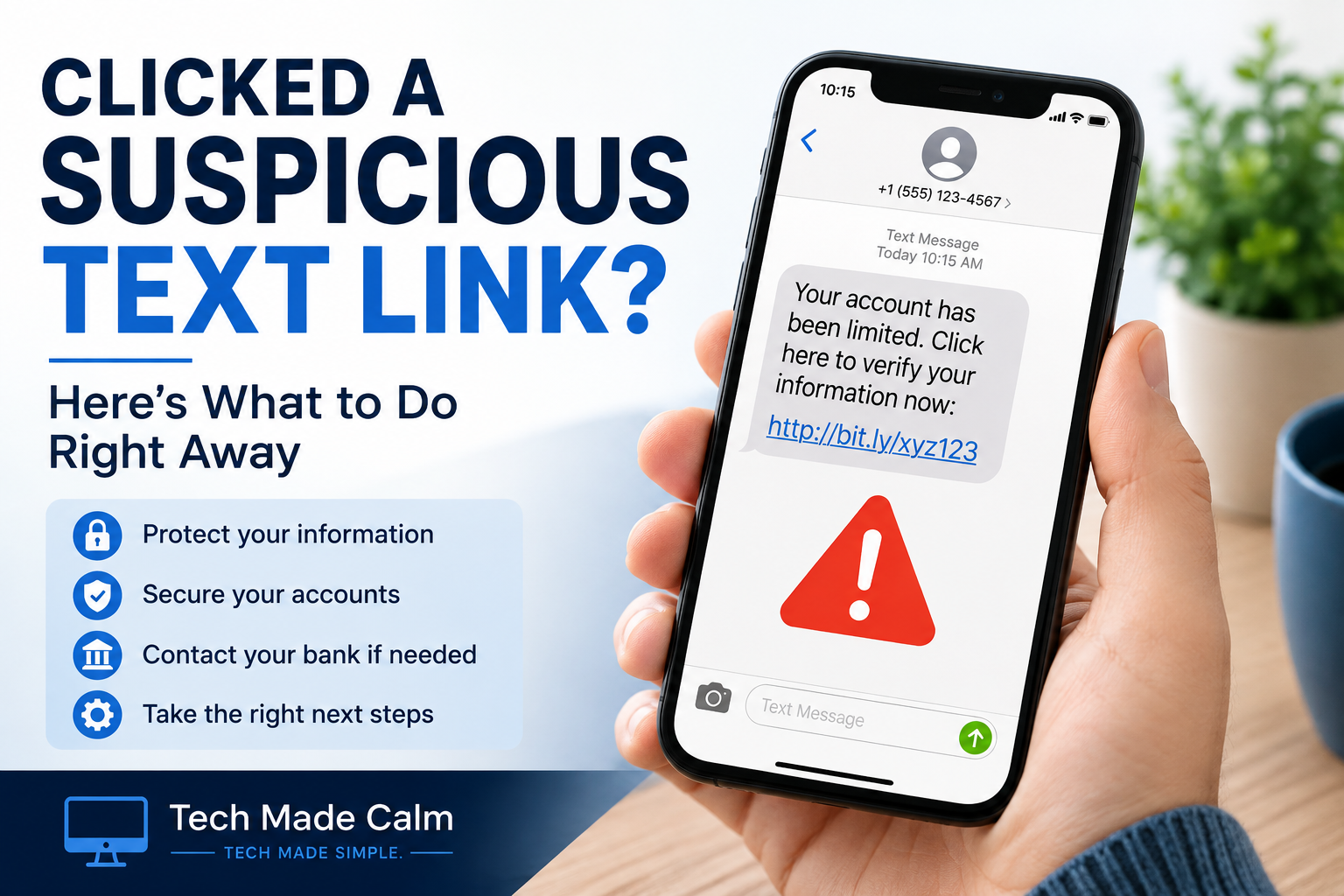
Getting a suspicious text message can be worrying — especially if you accidentally tapped the link before realizing something didn’t look right.
The important thing is not to panic. Simply opening a suspicious link does not automatically mean your phone or accounts have been hacked. What you should do next depends on what happened after you tapped it.
In this guide, we’ll walk through the steps you should take after clicking a suspicious text message link, including what to do if you entered a password, provided payment information, or downloaded something.
What Happened After You Clicked the Link?
What you need to do depends on what happened after you tapped the suspicious link.
If you only opened the page and did nothing else: Close the page. The risk is generally lower if you didn’t enter information, download anything, or install an app.
If you entered a password: Change that password as soon as possible. If you use the same password on other accounts, change it there too.
If you entered credit or debit card information: Contact your bank or card provider using the official phone number on your card or banking app. Tell them what happened and follow their instructions.
If you downloaded or installed something: Don’t open it again. Remove anything you don’t recognize and continue with the safety checks below.
What to Do After Clicking a Suspicious Text Link
1. Close the Website
Close the suspicious webpage and don’t tap any other buttons, pop-ups, or links on it. If the page claims your phone has a virus or tells you to call a number immediately, don’t follow those instructions.
2. Don’t Reply to the Text
Don’t reply to the suspicious message, even to tell the sender to stop. You can block the sender and delete the message instead.
3. Check for Anything You Downloaded
Think about whether the website asked you to download a file, install an app, or approve a new profile. If you installed something you don’t recognize, remove it. On an iPhone, you can also check Settings → General → VPN & Device Management for unfamiliar configuration profiles.
4. Change Any Password You Entered
If you entered a password on the suspicious website, go directly to the real website or official app and change that password immediately. Don’t use a link from the suspicious text.
If you reused that password on other accounts, change those passwords too. Turn on two-factor authentication when available.
5. Contact Your Bank if You Entered Payment Information
If you provided a credit card, debit card, or banking information, contact your bank or card provider immediately using the official number on your card, statement, or banking app.
Ask them what steps they recommend and monitor your account for transactions you don’t recognize.
6. Update Your Phone
Install the latest available software updates for your phone. Updates often include important security fixes.
On an iPhone, go to Settings → General → Software Update.
What If I Only Clicked the Link and Closed It?
If you only opened the link and then closed the page without entering information, downloading anything, or installing anything, that does not automatically mean your phone has been hacked.
Keep your phone’s software up to date and watch for anything unusual. Be especially cautious if you receive follow-up messages asking for passwords, verification codes, payments, or personal information.
How to Report a Suspicious Text Message
In the United States, many mobile carriers allow you to forward suspicious text messages to 7726 (SPAM).
You can also report scams and fraud to the Federal Trade Commission at ReportFraud.ftc.gov.
After reporting the message, block the sender and delete the text.
How to Avoid Suspicious Text Links in the Future
• Don’t trust a message just because it appears to come from a familiar company.
• Avoid using links in unexpected texts about deliveries, tolls, refunds, account problems, or prizes.
• If a message claims there’s a problem with an account, open the company’s official app or type its website address yourself.
• Never give someone a verification code sent to your phone.
• Be suspicious of messages that pressure you to act immediately.
The Bottom Line
Accidentally tapping a suspicious link can be unsettling, but what you did after clicking it matters.
If you simply opened the page and closed it, the risk is generally lower. If you entered a password, payment information, or installed something, take action immediately using the official website, app, or phone number of the affected service.
When in doubt, don’t continue interacting with the suspicious message.