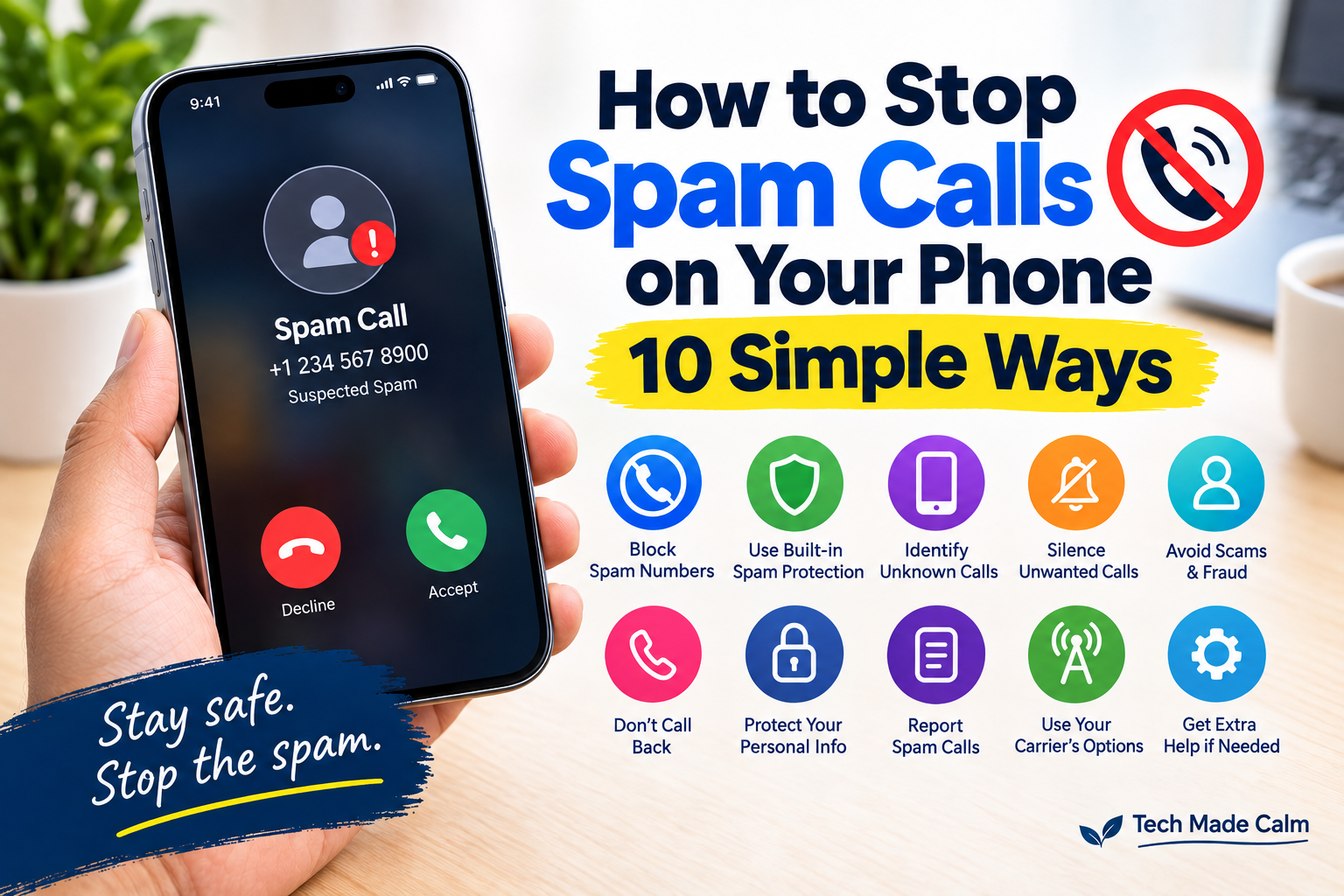
Do you keep getting calls from numbers you don’t recognize?
One day it might be a robocall. The next day it could be a fake bank, insurance company, delivery service, or someone claiming you’ve won a prize.
You don’t have to answer every call.
Both iPhone and Android phones have built-in tools that can help identify, silence, or block unwanted calls. The exact options depend on your phone model, software version, carrier, and calling app.
Here are 10 simple things you can do.
1. Don’t Answer Calls You Don’t Recognize
If you don’t recognize a number, you don’t have to answer it.
A legitimate caller may leave a voicemail or contact you another way.
If the caller claims to be from your bank, government agency, delivery company, or another organization, don’t rely on the incoming call alone. Look up the organization’s official contact information separately.
2. Block a Spam Number on iPhone
If the same number keeps calling you, you can block it.
On current iOS:
Phone → Calls/Recents → tap the number → Block Caller
You can also manage blocked contacts through:
Settings → Privacy & Security → Blocked Contacts
Apple says blocked callers can still leave voicemail, but you won’t receive a notification about it.
3. Block a Spam Number on Android
On phones using Google’s Phone app:
- Open the Phone app.
- Open your call history.
- Tap the unwanted call.
- Tap Block / report spam.
The exact menu can vary between Android manufacturers.
4. Turn On Spam Protection on Android
Many Android phones using Google’s Phone app have built-in spam protection.
Open:
Phone → More → Settings → Caller ID & spam
You can turn on See caller ID & spam and, where available, Filter spam calls.
Google says filtered spam calls can still appear in your call history even though they don’t normally ring your phone.
5. Use Spam and Unknown Caller Features on iPhone
Current iPhones offer several options for handling unknown and suspected spam calls.
Go to:
Settings → Apps → Phone
Depending on your iPhone and software version, you may see options for:
- Call Screening
- Unknown Callers
- Spam
Apple says calls identified by the carrier as potential spam or fraud can be silenced and sent to voicemail when the appropriate setting is enabled.
6. Don’t Call the Number Back Just Because It Called You
Some scam calls are designed to get your attention.
You might see:
“Missed call from an unknown number.”
You don’t need to call it back.
If someone claims they are from a company you use, find that company’s official phone number yourself rather than using the number from the unexpected call.
7. Never Give Sensitive Information to an Unexpected Caller
Be especially careful if an unexpected caller asks for:
- Passwords
- Verification codes
- Bank account information
- Credit card numbers
- Social Security numbers
- Remote access to your computer
- Money or gift cards
A caller ID can help identify potential spam, but a familiar-looking phone number isn’t proof that the caller is legitimate.
If you’re unsure, hang up and contact the organization using a trusted number.
8. Don’t Trust Caller ID Alone
Scammers can manipulate caller ID information so a call appears to come from a number you recognize.
For example, the caller ID might appear to show:
Your bank
or even a local number.
That’s why you should verify unexpected requests independently instead of trusting the caller ID.
9. Report Spam Calls
Blocking a number can stop that particular number from contacting you, but reporting spam can also help your phone’s spam-detection system identify similar calls.
On Android’s Google Phone app, you can select Block / report spam from the call history.
On iPhone, Apple also provides tools for identifying and filtering spam calls.
10. Contact Your Mobile Carrier
If you’re receiving large numbers of unwanted calls, your carrier may offer additional spam-blocking or call-filtering services.
These options vary by carrier and country.
Check your carrier’s official website or app rather than installing an unknown app recommended by a caller.
Why Do I Keep Getting Spam Calls?
There isn’t always one simple reason.
Your number may have been shared with a business, included in a data breach, collected from a public source, or obtained through another method.
Unfortunately, blocking one number doesn’t necessarily stop all spam calls because scammers can use many different numbers.
That’s why the combination of spam filtering + blocking + not answering suspicious calls can be more useful than blocking individual numbers alone.
What If a Spam Caller Says They’re From My Bank?
Don’t provide information just because the caller sounds convincing.
Instead:
- Hang up.
- Open your bank’s official app or website.
- Find the official customer-service number.
- Call the bank yourself.
- Ask whether there is actually an issue with your account.
This prevents you from relying on information supplied by an unexpected caller.
What If I Already Gave Information to a Spam Caller?
If you already gave sensitive information to someone you now believe was a scammer, don’t panic.
The appropriate response depends on what information you shared.
For example, you may need to:
- Change a compromised password
- Contact your bank or card issuer
- Monitor your accounts
- Secure an affected email account
- Report the incident
You can also read our related guide:
I Gave My Information to a Scammer — What Should I Do Now?
Should I Install an App to Stop Spam Calls?
You don’t necessarily need a third-party app.
Both iPhone and Android provide built-in call-blocking and spam-identification features.
Start with the tools already included with your phone.
If you consider a third-party app, research it carefully and check what permissions and personal information it requires.
The Bottom Line
You don’t have to answer every call that reaches your phone.
Start by letting unknown calls go to voicemail, then use your phone’s built-in spam protection and blocking tools.
And remember one important rule:
Never give sensitive information to an unexpected caller simply because they claim to represent a company or organization.
If you need to verify a caller, hang up and contact the organization using an official phone number you found yourself.
Having other problems with your iPhone? See our guide to
Why Is My iPhone Storage Full? 10 Simple Ways to Free Up Space.